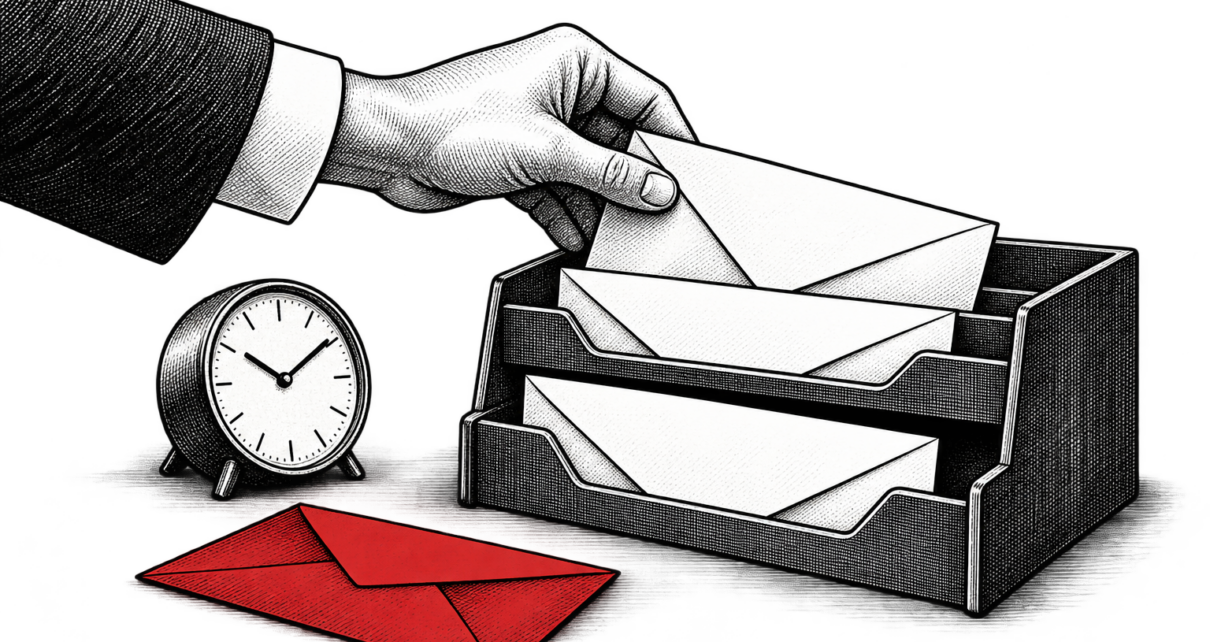
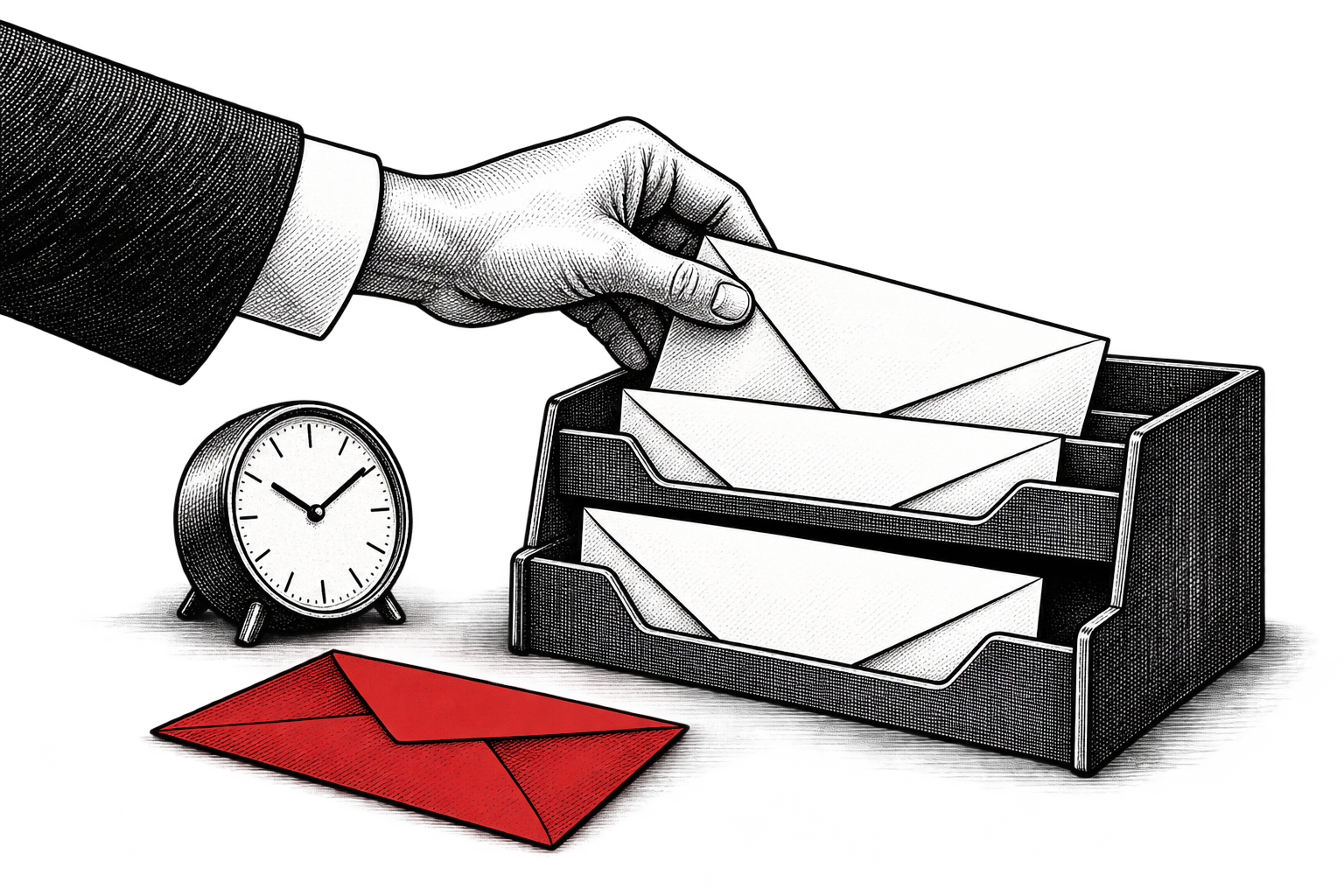
I would rather receive one useful email at the right moment than a beautifully organized sequence that has nothing to do with what I need. That is also how I would decide what a business should automate. Start with the customer’s situation, then ask whether repeating the response reliably creates enough value to justify the work.
The tempting question is, “Which emails can we automate?” A better question is, “Which recurring customer need deserves a repeatable response?” Those questions produce very different inboxes.
Look for a real event and a useful next step
A requested resource, an upcoming appointment, a product someone has just started using, or a renewal approaching its deadline gives you a reason to write. The recipient can understand why the message arrived. You can usually describe what should happen next without a lengthy strategy meeting.
I would put requested information and practical onboarding near the front of the queue. A timely answer can remove friction. A reminder can help someone finish something they already intended to do. Neither requires inventing urgency.
Long nurture sequences deserve more skepticism. “They downloaded something three months ago” is a thin reason for another sales email. Before building six messages, write the first one and ask what specific question it answers. If the answer is mostly that your business wants another touchpoint, keep thinking.
Make the exit as clear as the entrance
Every proposed automation needs an entry rule, a reason to stop, and a person responsible for exceptions. Someone who has purchased should not keep receiving the purchase pitch. A customer with an unresolved complaint may need a person before another promotion. A reply should reach an inbox someone actually checks.
Those rules are part of the email’s cost. So are writing, setup, testing, suppression checks, link repairs, and periodic reviews. Software removes some repetitive sending work. It does not take responsibility for whether your message still makes sense.
Deliverability belongs in that operating work. Google’s email sender guidelines describe authentication and other requirements, including additional requirements for bulk senders to personal Gmail accounts. Check the rules that apply to your volume rather than assuming your email platform handles every obligation.
Calculate what the sequence has to earn
Hypothetical example: A follow-up sequence costs $600 to write and configure. Spread that setup across six months: $100 per month. Add $80 in incremental software costs and three maintenance hours at $50: its monthly cost is $330.
If an additional completed purchase produces $55 in contribution after product costs, fulfillment, discounts, and other variable costs, the sequence needs six additional purchases per month to cover that $330. Six purchases attributed to email are not necessarily six additional purchases. Some customers would have bought anyway.
Where practical, randomly hold back the optional promotional sequence from a comparable group of eligible people. Keep essential confirmations and service information flowing. Compare contribution per eligible person over a predetermined period, including returns. At low volume, expect uncertainty. A handful of orders cannot support a confident claim about a tiny improvement.
Time savings can still matter. Record the manual work that disappeared and where the capacity went. Do not count the same saved hour both as a cash saving and as the labor producing additional sales.
Build one email before building a system
You may already own enough automation for the first experiment. For example, HubSpot’s current simple email workflow documentation describes automation available with Marketing Hub Starter and above, with tier-specific limits. The existence of a more elaborate workflow editor is not a reason to upgrade before a simpler sequence proves useful.
I would agree on the review date before launch: continue if incremental contribution comfortably covers the full operating cost; revise if the customer need is clear but the response misses it; stop if the economics remain weak or the message creates avoidable complaints. Review unsubscribe and complaint patterns alongside orders, not after them.
The best candidate is often an ordinary email with a clear job. Automate it when reliable timing helps the customer and the numbers justify maintaining it. Leave the rest out of the queue until you can explain why someone would welcome it.
For the numbers behind the decision, see how to calculate marketing ROI. Put the approach to work with the free marketing resources, or work with me on your marketing strategy and implementation.